@Sherpa41 said:
@tonyI have the Samsung A54, which I believe has the same version of the Operating System and OneUI layer as the S23 ultra.
When Android 16 came out it gave me problems with NFC, although it later turned out that it was the fault of Samsung's OneUI.In the next update of this, it was fixed.
And although lately I have had quite a few problems with some sensors (4), which did not start or dialed incorrectly, with the Bluetooth connection I have never had problems.And I always update everything as soon as it comes out.
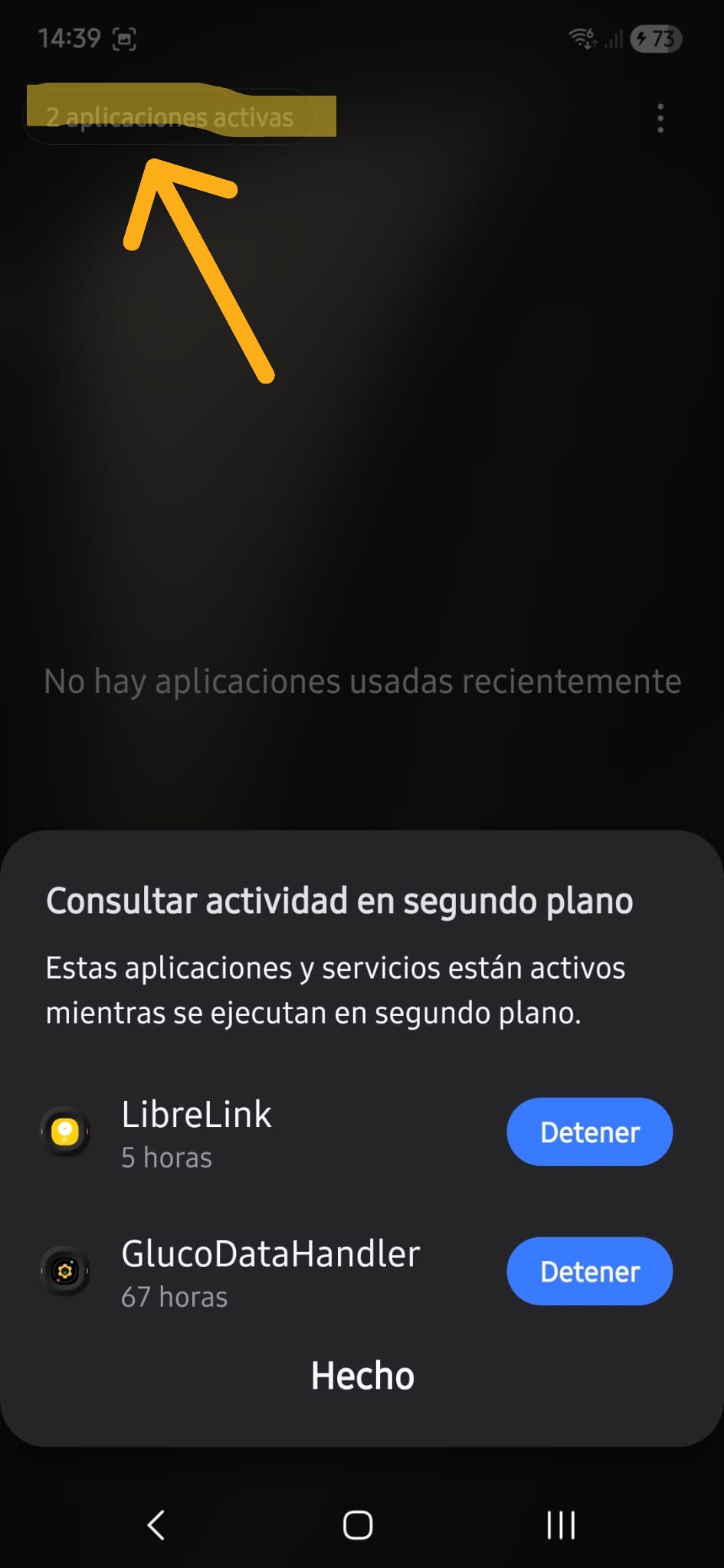
Hello @Sherpa41.Yes, I have already completely identified the problem: I have my phone with OneUI 8.0, which is the one that has compatibility problems with Librelink, the Libre 2 application. Since I still cannot update to OneUI 8.5, which according to what I have read has already corrected the problem a lot, I have to wait, at least until the end of May or until June to be able to install the latest version of OneUI on my phone.
It seems normal to me that a company that, like every company, is there to make money, does not invest in correcting an app and waits for another company (Samsung) to update the operating system to save costs, to a certain extent.Although there would be much to argue about our health becoming secondary to aincome statement...but in short, it is what the world in which we have had to live has.
What irritates me the most is that our healthcare systemPUBLIC, paid with everyone's taxes, gives us patients the slip when it detects this type of problem, and, at least in my autonomous community, no measure has been taken to date, not even a sad warning, to alleviate as much as possible this defect of a device on which we depend so much.In fact, I have now had two nocturnal hypoglycemias without the alarm going off.Thank goodness my body still detects them., because it hasn't been long since I debuted,and I wake up, but it's clear that this matter is gettingseriouslyat risk my health.
Is it my fault for updating OneUI without looking at Abbott's document on sensor compatibility with mobile devices?Maybe.But no one warned me about this and I'm paying for the hazing.But damn, it's been6 monthsthe new operating system runningwith this localized defect and here no one does anything or notifies anyone of anything.I've had to do my own research and go crazy with sensors for weeks to find out where the air is coming from.
@Ruthbia said:
@tonyIn Spain, Dexcom has won the contest but they only give them to new beginners and those who ask for them.
I already have 2 Dexcom One+ sensors and I am delighted.With the App and the reader, both can be calibrated and the truth is that if you don't want to, you don't have to, it measures very well.
It is a shame that Abbott, which was a pioneer in this, is being passed over by other laboratories.
Hello @Ruthbia.Yes, I already read something to you about this contest, although I suppose it will depend on each autonomous community, or even each hospital, but I hope we can all soon get rid of the Abbott sensors, which beyond this failure have never gone very well.
I have bought a dexcom one+ on my own that will arrive soon, to test it and because I have a somewhat demanding mountain route coming up, and I don't want to risk getting a crash while climbing a peak.If I try it and it goes well, I will try to talk to my endocrinologist (that's another one, my next appointment is in October and I don't know if I'll be able to talk to her before) so she can switch me to the dexcom.Although it will depend on whether or not it suits her to change me, of course.
Anyway, everyone's sorry for the diatribe and the nonsense.But at least I'm letting off steam, which never hurts.
salu3
D1 desde febrero de 2022 . Debuté con el páncreas agotado, tras años sin diagnosticar. Toujeo 24uds. Fiasp 3-4-3 +/- . Última glico 5'8%